To edit the company's Detection Policy go to Settings and select the Detection Settings tab.
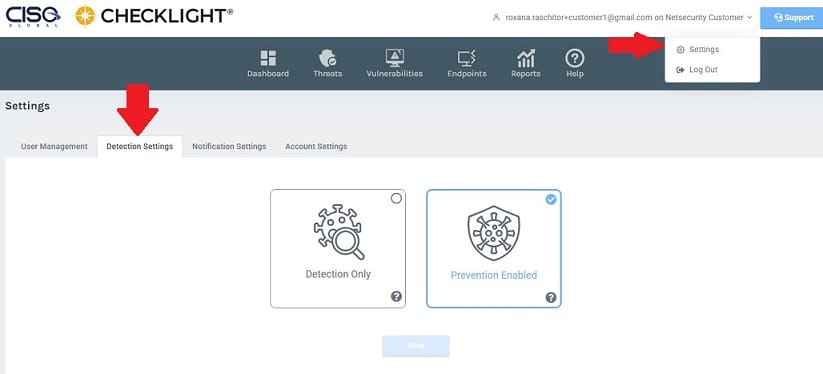
Select one of the detection policies and click on SAVE.
-
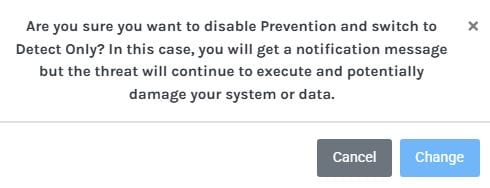
Detect Only - threats will continue to execute, potentially affecting your system, and you will get notified when it executes.
-
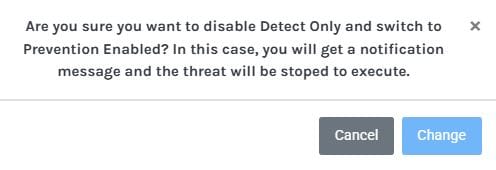
Prevention Enabled - threats will be stopped before executing and you will get a notification when it is blocked.