To install ThreatResponder on a Linux computer click on the Add Endpoint button displayed in the Dashboard and Endpoints sections.

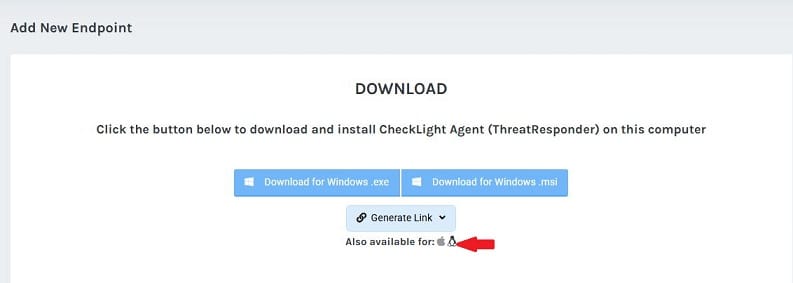
A Download page will be displayed.
- Click on the Linux icon
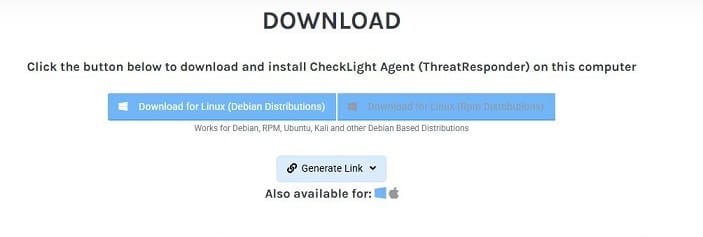
- Download one of the debian or rpm distributions.
- Extract the archive. The archive includes the agent and a .cfg file with the Company ID
- From the terminal, run:
DEBIAN
sudo dpkg -i threatresponder.deb
REDHAT
sudo yum install threatresponder.rpm
OR, for newer distributions
sudo dnf install threatresponder.rpm
- After running the installer, the following command must be run in order to provide your customer ID data:
sudo /usr/sbin/threatresponder-agent --config "<company id>"
You will find the <company id> in the CompanyID.cfg file in your ThreatResponder agent archive.