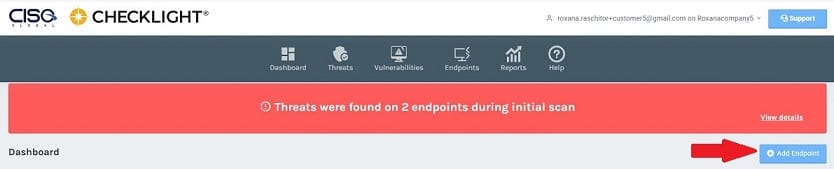
To install ThreatResponder on a Windows computer click on the Add Endpoint button displayed in the Dashboard and Endpoints sections.
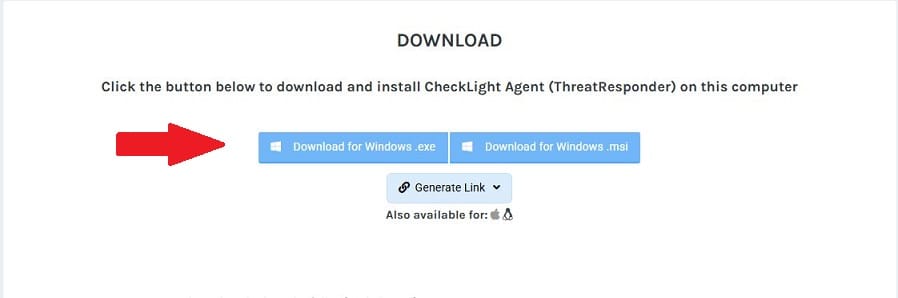
A Download page will be displayed.
- Click on the Download for Windows button to download a windows version for ThreatResponder.
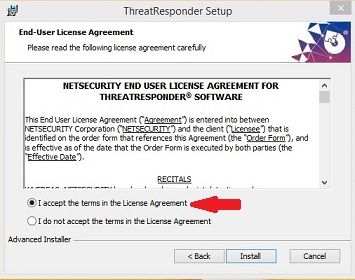
2. Open the downloaded file and read and accept the terms in the License Agreement. Click on the Install button.
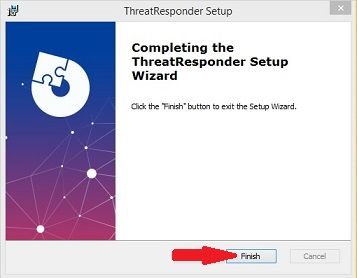
3. Click on the Finish button to begin using ThreatResponder service.
After installation, the endpoint will be displayed in the Endpoints section of the Checklight portal.